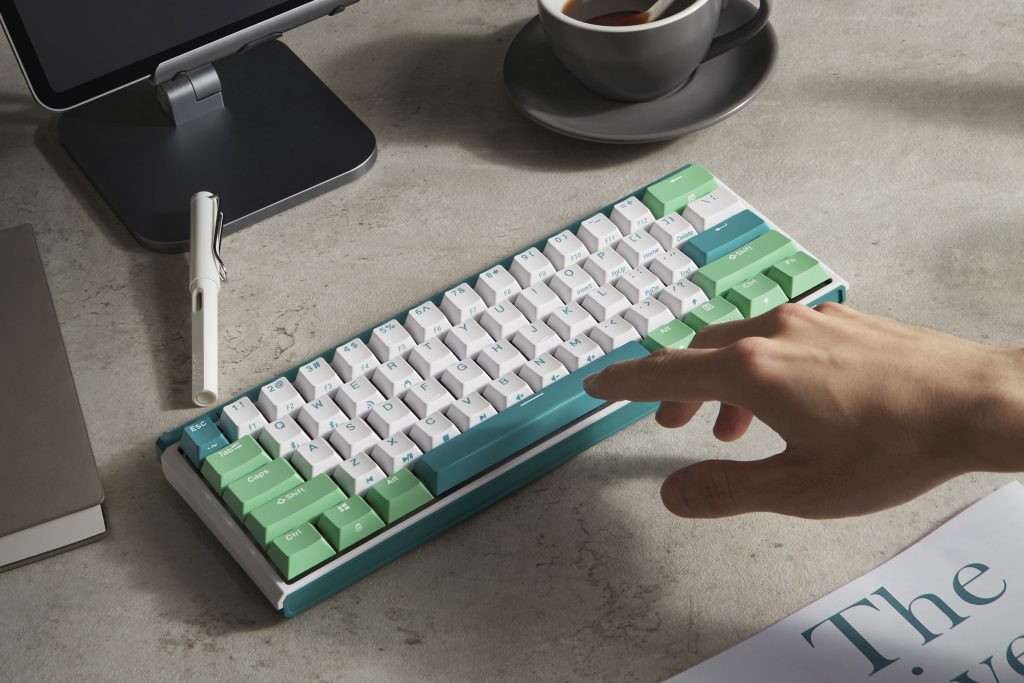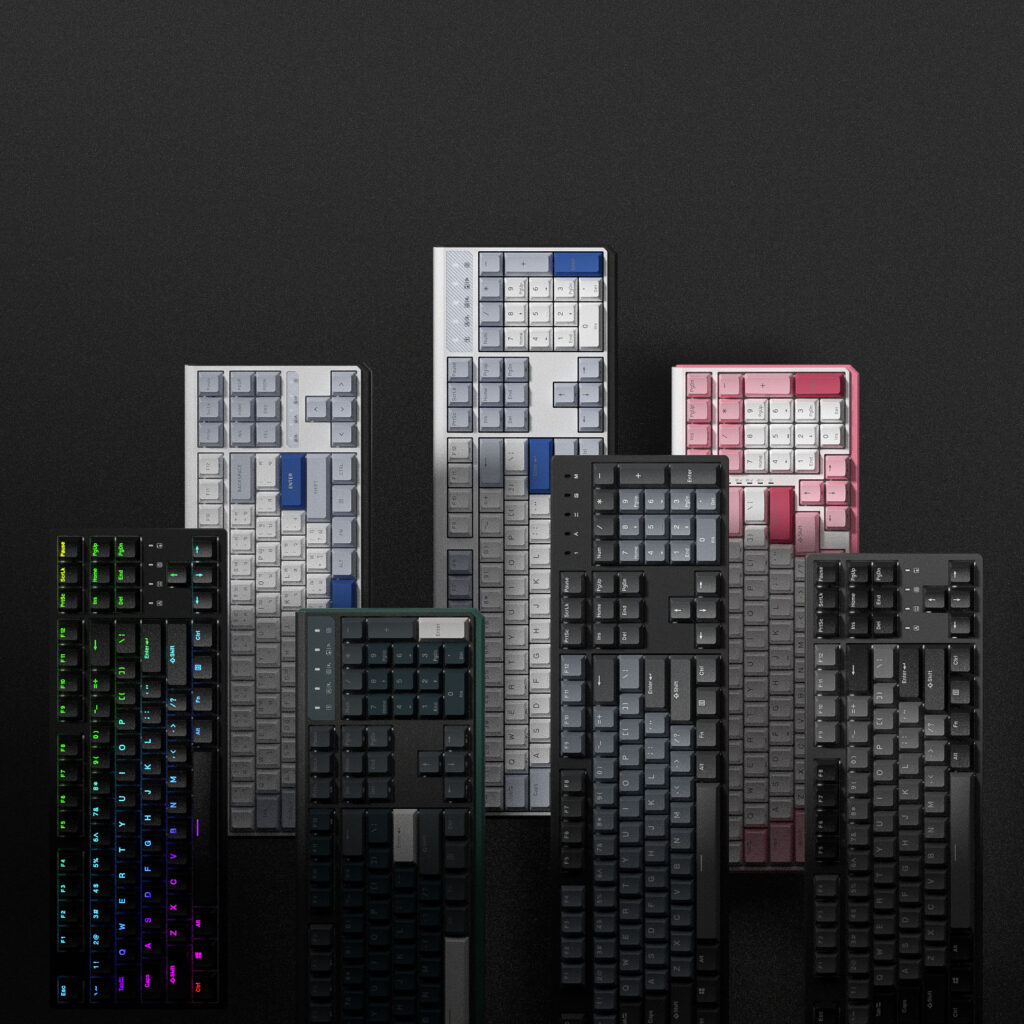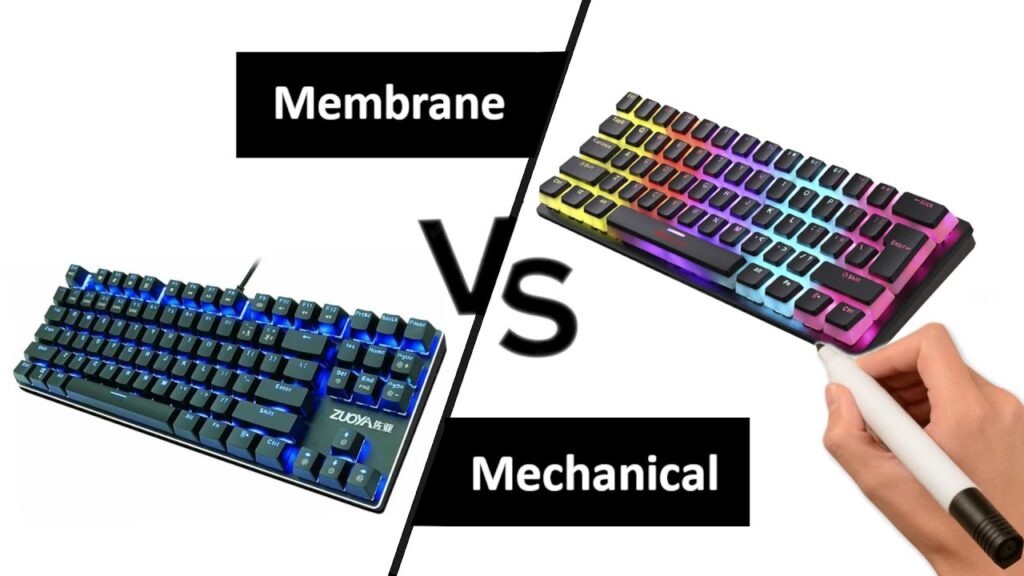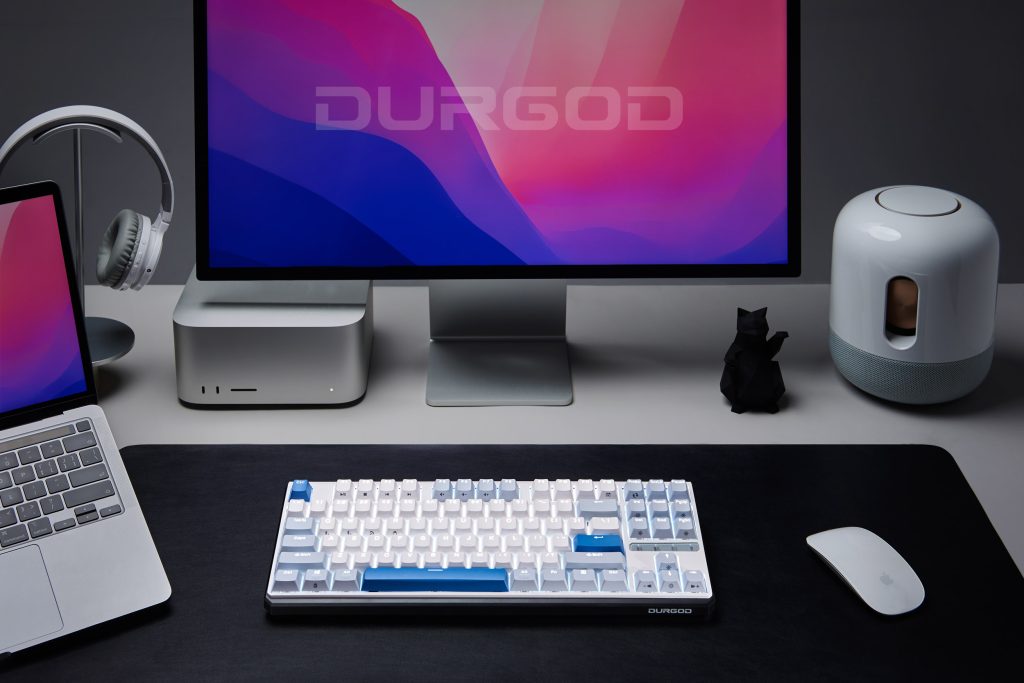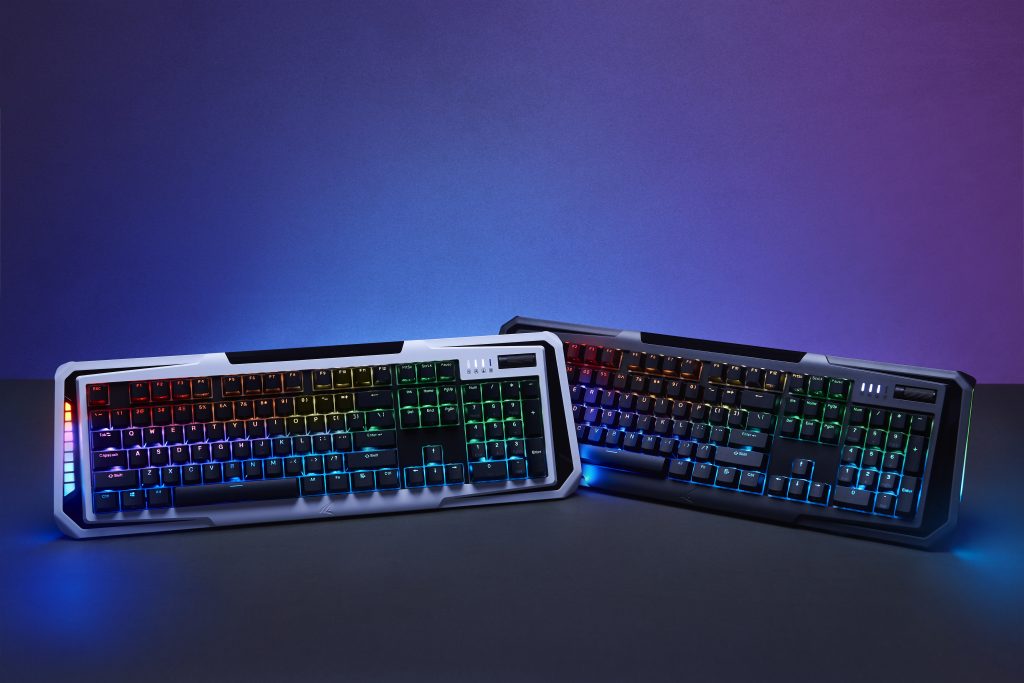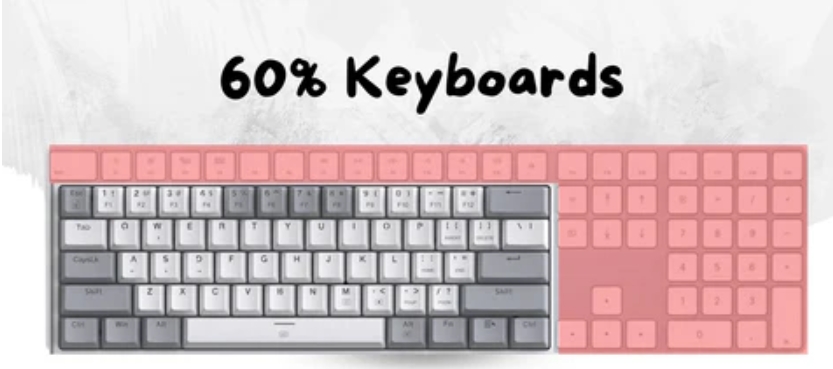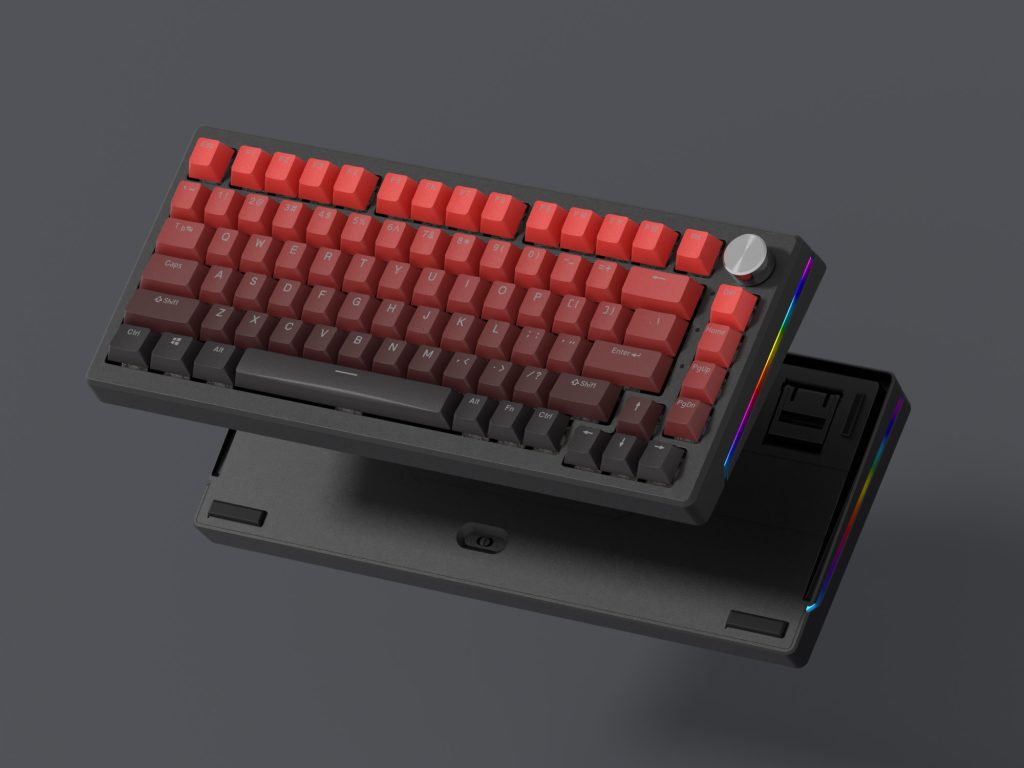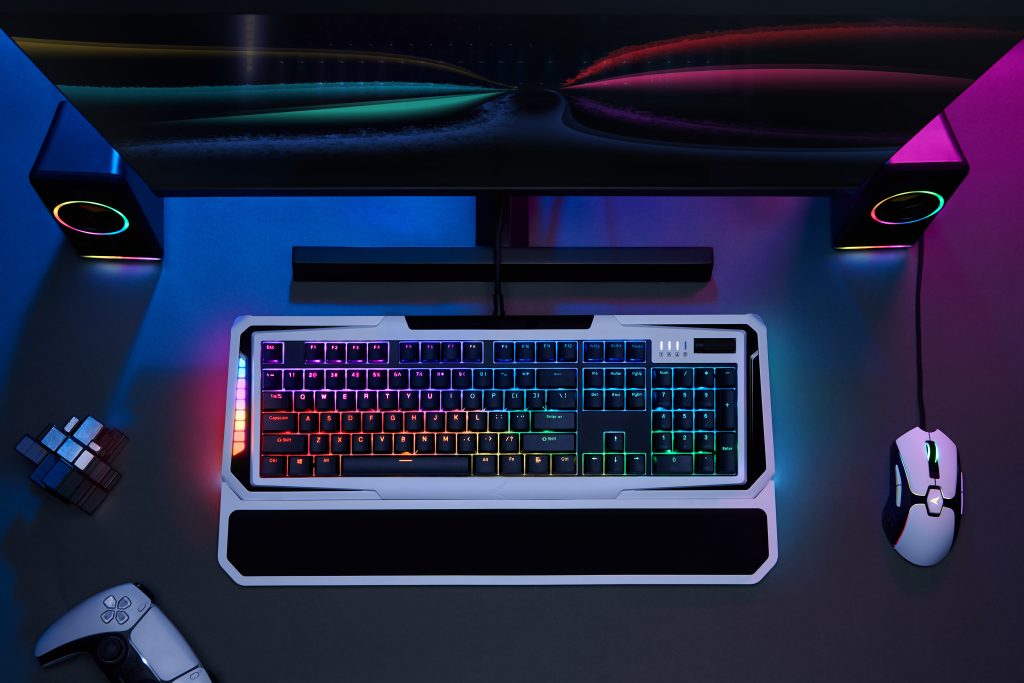



At first glance, upgrading a keyboard may feel unnecessary, especially if the one that came with your Mac still works. But after years of daily office tasks and late-night gaming sessions, I realized how much the right keyboard can change comfort, efficiency, and even mood. A wireless mechanical keyboard for mac quickly became my preferred setup because it balances clean desk aesthetics with serious typing performance, something I value a lot as a middle-income mechanical keyboard enthusiast.
Why a Wireless Mechanical Keyboard Fits the Mac Ecosystem
Mac users often care about simplicity and minimalism, and wireless keyboards fit naturally into that philosophy. Fewer cables mean a cleaner workspace and easier portability between home and office. From my experience, Bluetooth stability has improved dramatically in recent years, making modern mechanical keyboards reliable enough for spreadsheets, coding, and even competitive gaming. For Mac users who want flexibility without sacrificing build quality, going wireless is no longer a compromise.
Key Layout and macOS Compatibility Matter
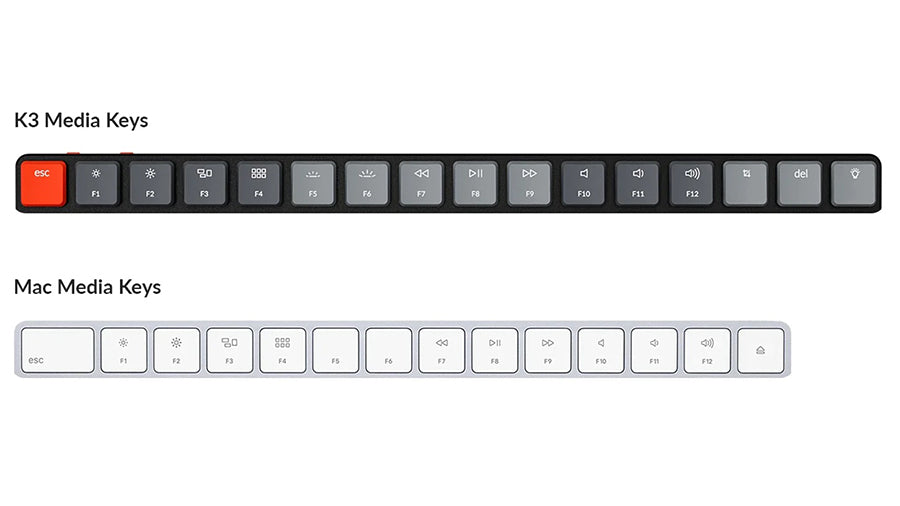
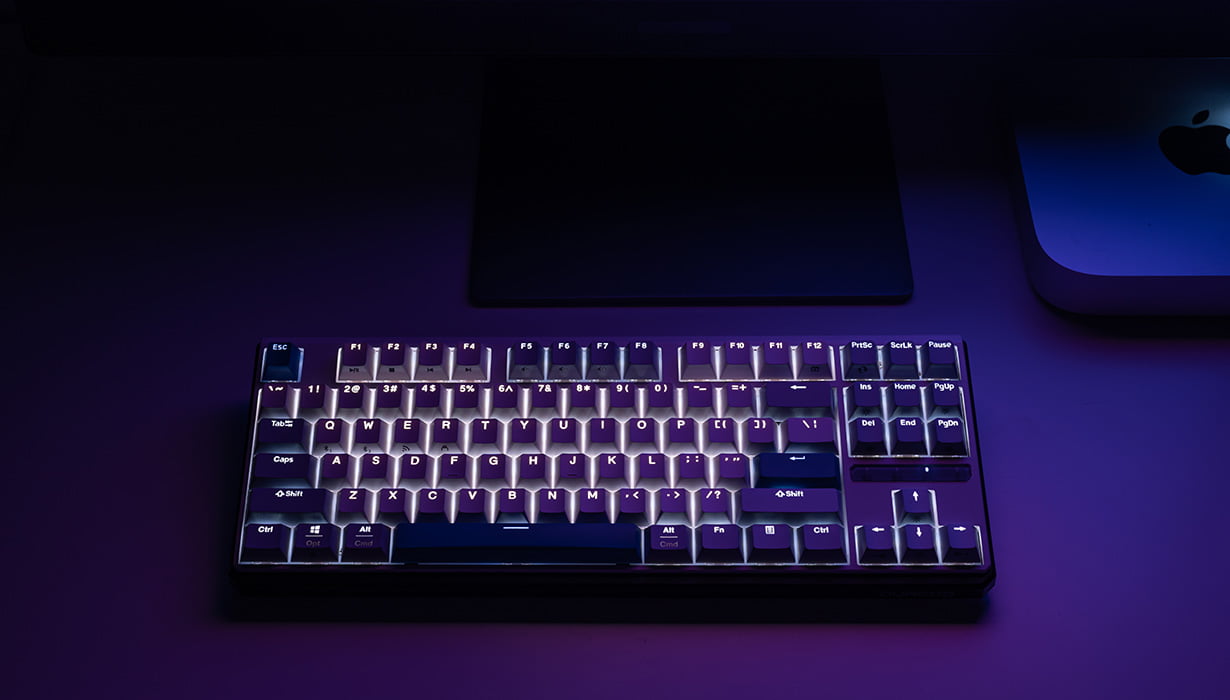
One thing I learned early is that not every mechanical keyboard works smoothly with macOS. A good wireless mechanical keyboard for mac should support macOS key mapping, especially the Command and Option keys. Some models even come with Mac-specific keycaps, which makes switching from Apple’s Magic Keyboard painless. Personally, I prefer keyboards that allow software or onboard shortcuts so I can customize them for work during the day and gaming at night.
Switch Types Explained for Office and Gaming Use

Mechanical switches are the heart of any keyboard. Linear switches feel smooth and quiet, making them ideal for shared offices. Tactile switches provide feedback without too much noise, which I find perfect for long typing sessions. Clicky switches are fun but not always practical. If you’re curious about the mechanics behind switch behavior, you can explore the concept of actuation force and tactile feedback through this explanation on
https://en.wikipedia.org/wiki/Mechanical_keyboard
Battery Life and Wireless Performance in Daily Use
Battery life is a real concern when going wireless. I look for keyboards that can last weeks or even months on a single charge. A strong wireless connection is equally important, especially when switching between a MacBook and another device. Multi-device pairing has become a must-have feature for me, and it’s something I strongly recommend to anyone considering a wireless mechanical keyboard for mac.
How to Choose the Right One for Your Budget
You don’t need a luxury income to enjoy a high-quality mechanical keyboard. Mid-range options often deliver excellent build quality, durable keycaps, and stable wireless performance. My advice is to prioritize typing feel, layout compatibility, and battery life over flashy features. If it feels good to type on and fits your workflow, it’s worth the investment.
If you’d like to explore more options, you can view more mechanical keyboard products here:
https://www.durgod.com/product-category/keyboards/